MerKit · Elementor Free

Landing pages built with Elementor Free + MerKit — import any of them in one click.

Three complete demos — page, header, footer and menu — built only with Elementor core widgets and the MerKit Nav Menu. No Pro, no page-builder add-ons, no custom JavaScript. Every colour and font is a Global you can retheme in Site Settings.
Demos

Three brands. One free stack.

Each demo ships as three JSON files — page, header and footer — plus a menu you recreate in two minutes. Click through, resize your window, open the mobile menu.
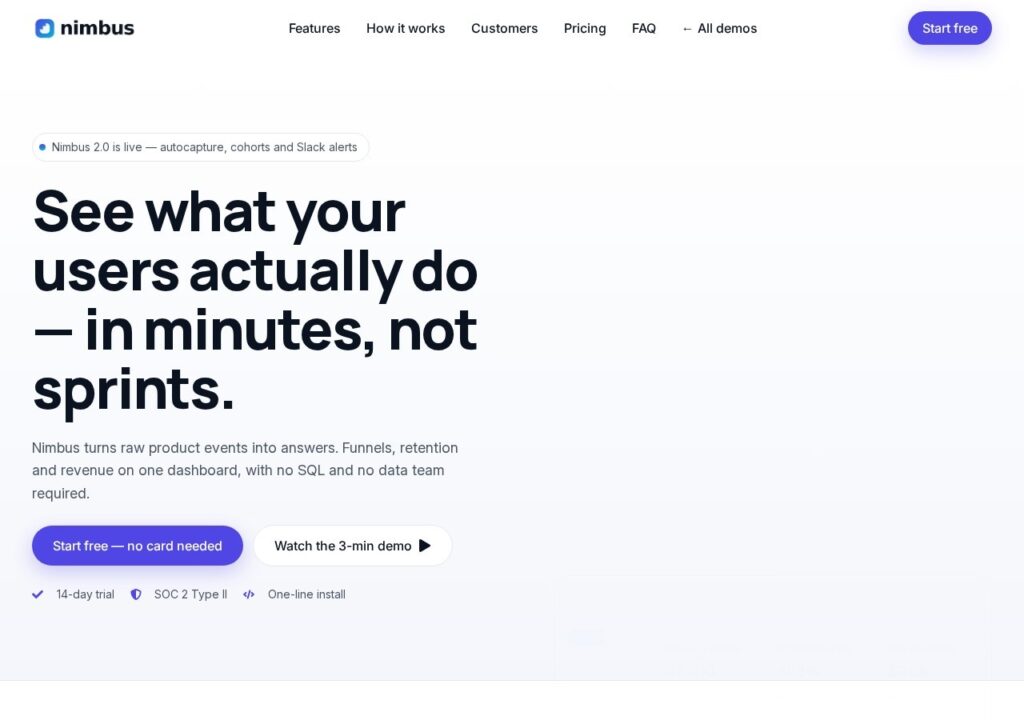
SaaS analytics

Nimbus

Light, airy SaaS landing page with a container-built product mockup, 3-tier pricing and a comparison FAQ.
Light
SaaS
Pricing
Gradient accent
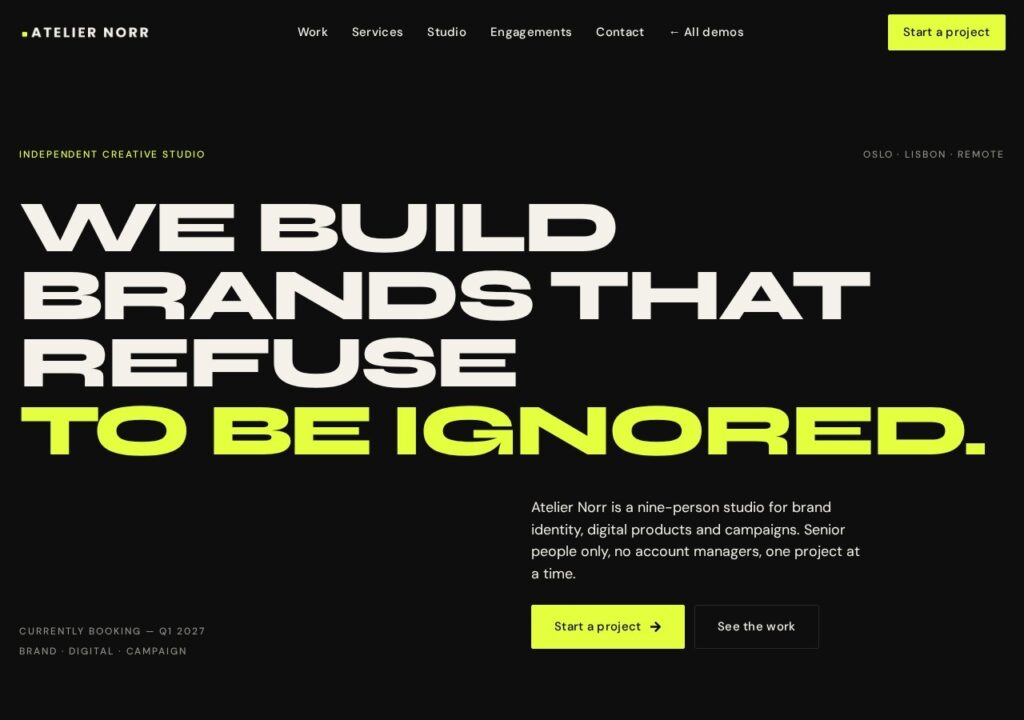
Creative studio

Atelier Norr

Dark editorial studio site: oversized Syne display type, asymmetric case-study grid with hover reveals, numbered services.
Dark
Editorial
Portfolio
Hover reveals
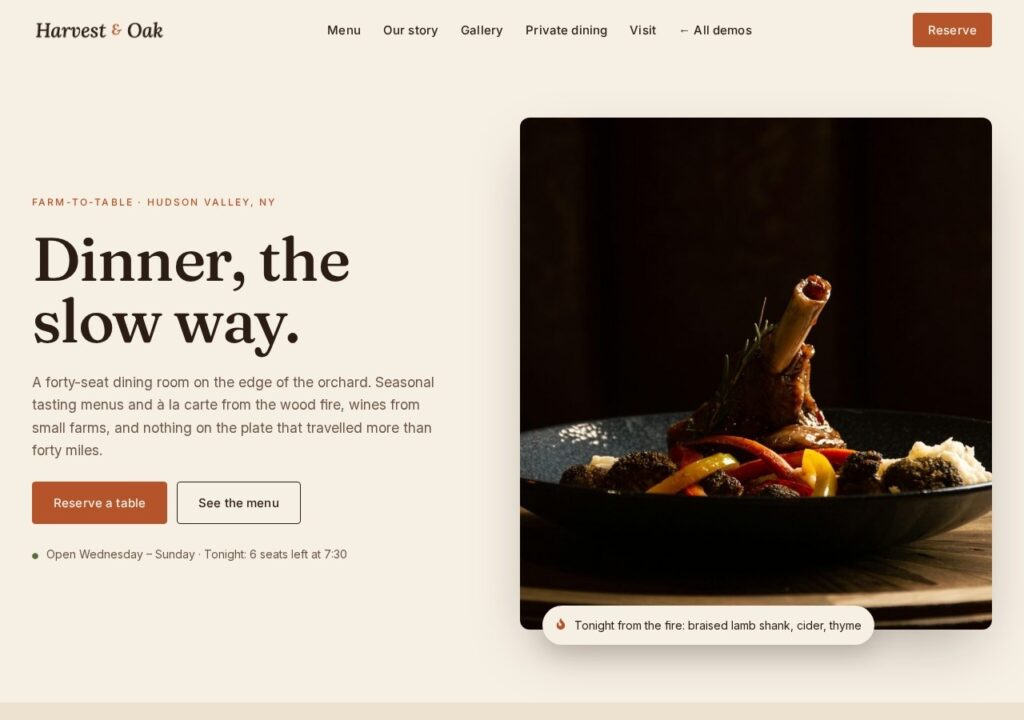
Restaurant

Harvest & Oak

Warm farm-to-table restaurant page: two-column menu typography, chef story, gallery with lightbox, hours and map.
Warm
Restaurant
Menu
Gallery · Map
How to import

From JSON to live page in three steps.

01

Install Elementor and MerKit

Both are free on WordPress.org. Activate MerKit and you get the Theme Builder, the Template Library and the Nav Menu / Site Logo widgets.
02

Import the three JSON files

MerKit → Theme Builder → Import for the header and footer; Elementor → Templates → Saved Templates → Import for the page. Assign the header and footer to your page in Conditions.
03

Recreate the menu and retheme

Appearance → Menus: add the anchor links listed in each demo. Then open Site Settings → Global Colors / Fonts and change the demo’s globals to your brand.
Full instructions and the widget reference live on the plugin page.